No hosted service planned
Rhinvoice is free to use, change and share under the AGPL. There are no plans to turn it into a paid service.
 Rhinvoice
Open source · Self-hosted
Rhinvoice follows the Rhine from Switzerland along Liechtenstein and Austria into Germany, understanding the invoicing requirements of all four countries. Open source. Self-hosted.
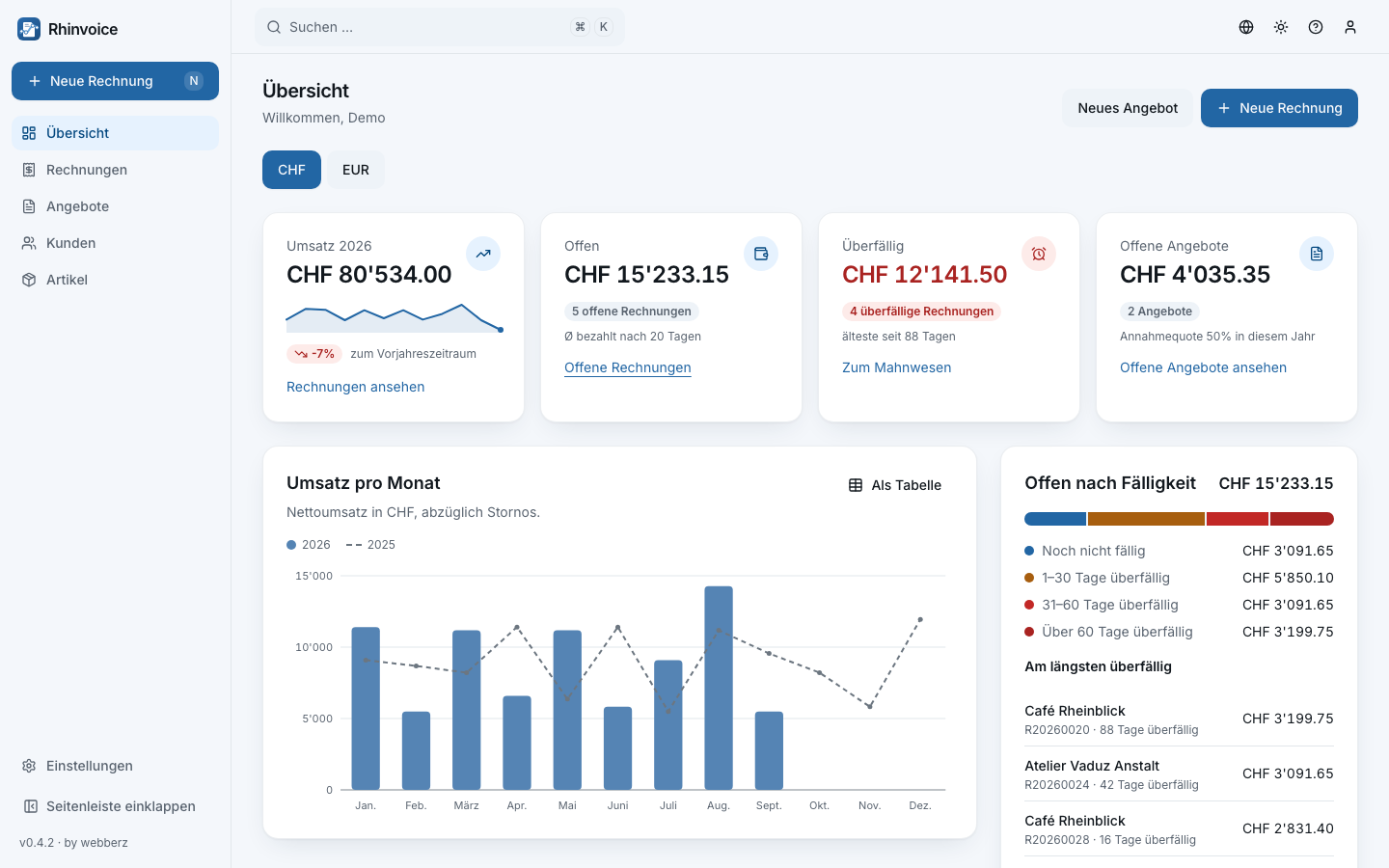
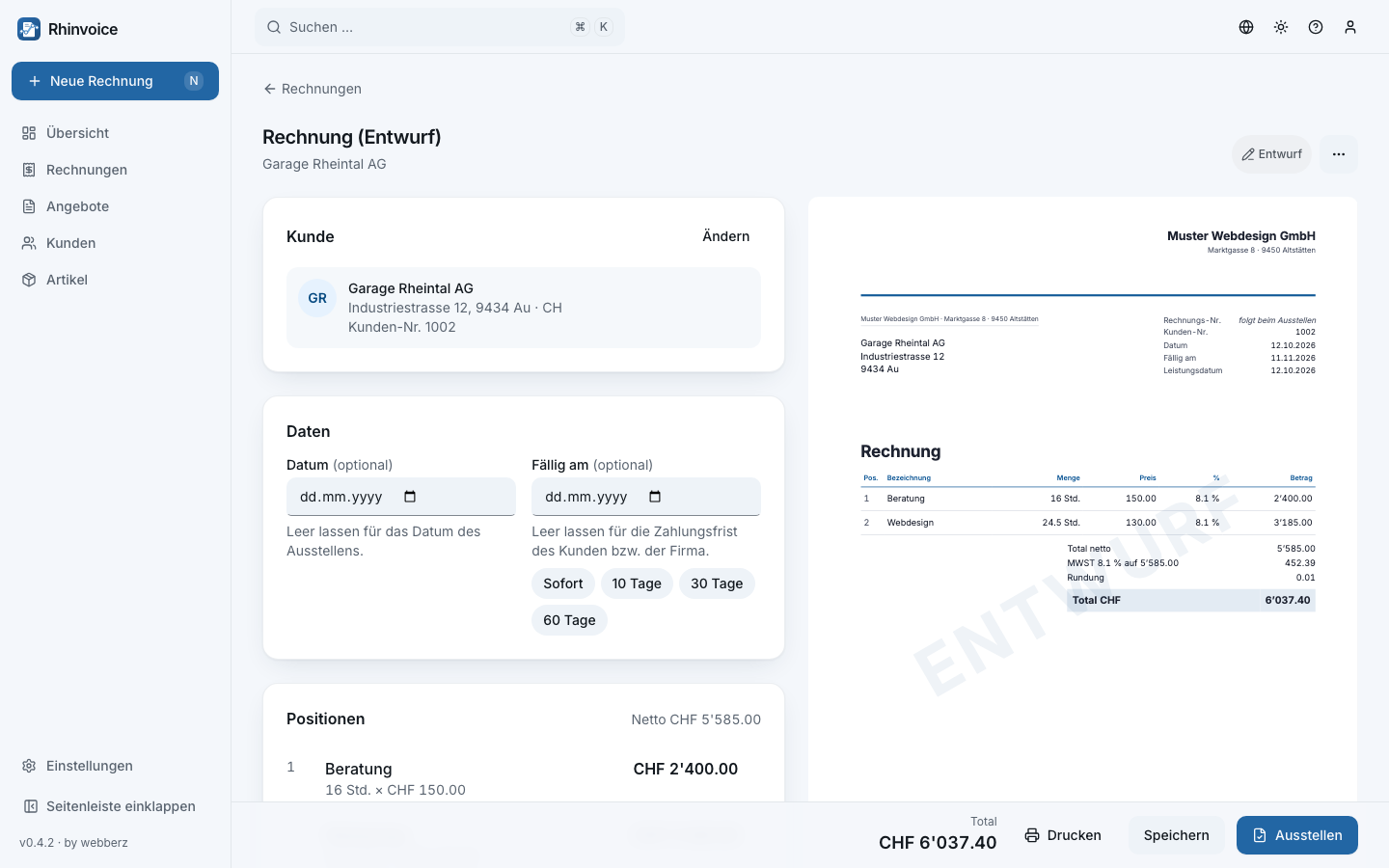
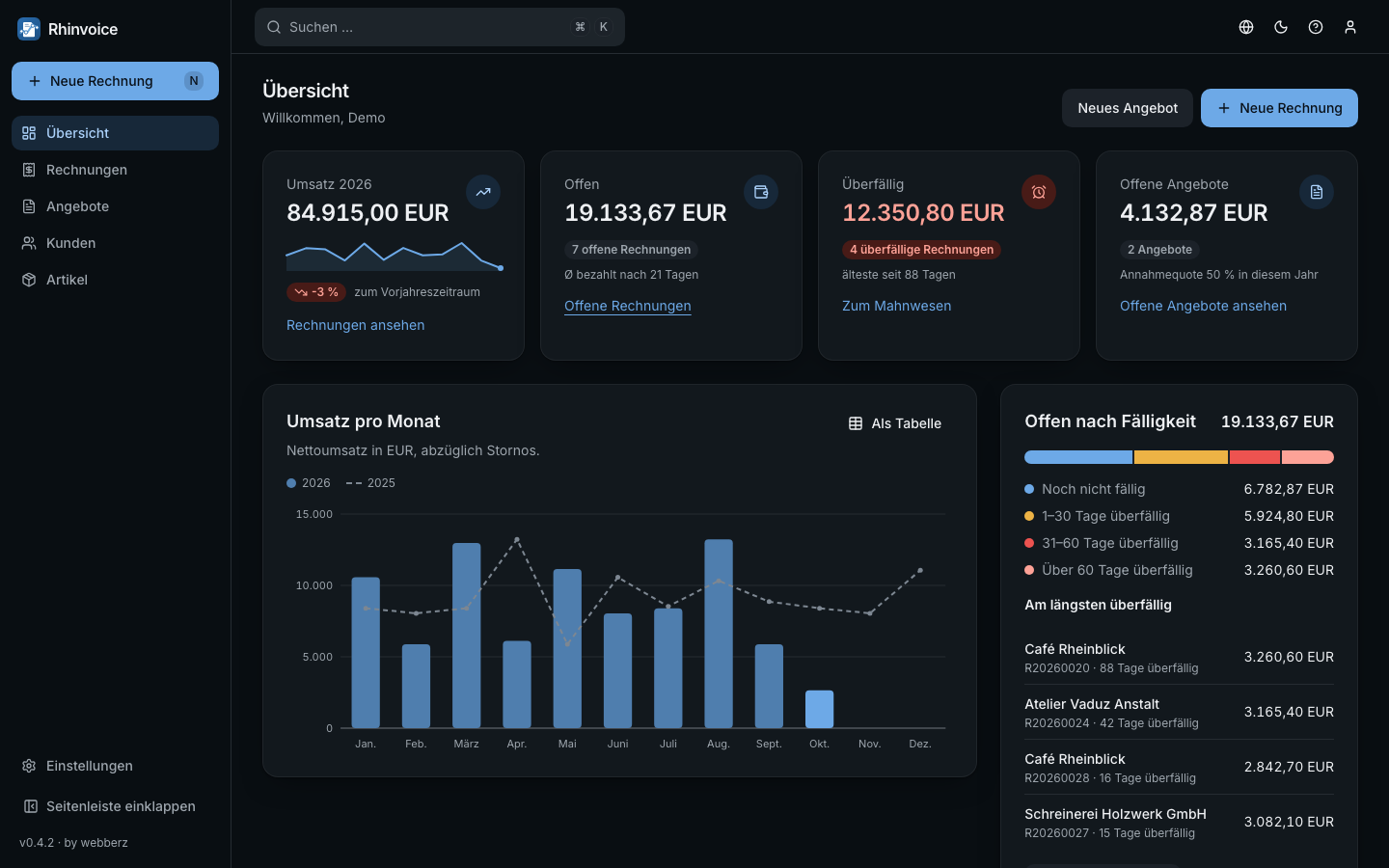
Features
Free, and staying that way
Rhinvoice is free to use, change and share under the AGPL. There are no plans to turn it into a paid service.
Tell us in the GitHub discussions. If enough sponsors come together to carry the running costs, a hosted Rhinvoice is conceivable.
Interested in a commercial licence, a partnership or taking over the project? Write to us at hello@rhinvoice.com.
Install
On a server, a NAS, a Raspberry Pi or your own laptop with Docker Desktop (macOS, Windows, Linux).
# a folder of its own
mkdir rhinvoice && cd rhinvoice

# the compose file and the settings
curl -fsSLO https://raw.githubusercontent.com/rhinvoice/rhinvoice/main/deploy/compose.yml
curl -fsSL https://raw.githubusercontent.com/rhinvoice/rhinvoice/main/.env.example -o .env

# in .env, set POSTGRES_PASSWORD to a long random value, then start
docker compose pull
docker compose up -d

# open http://rhinvoice.localhost:8000, the first visit sets up the first user

# optional, next to other installations: a name and a port of its own
# (in .env: RHINVOICE_PORT=8100, then add -p rhinvoice-test to every docker compose command)
docker compose -p rhinvoice-test up -d

# optional, only on your own laptop: the short address http://rhinvoice:8000
echo "127.0.0.1 rhinvoice" | sudo tee -a /etc/hosts
# and in .env: RHINVOICE_COOKIE_SECURE=false, then docker compose up -d again
On a server: HTTPS and backups, see the install guide.